

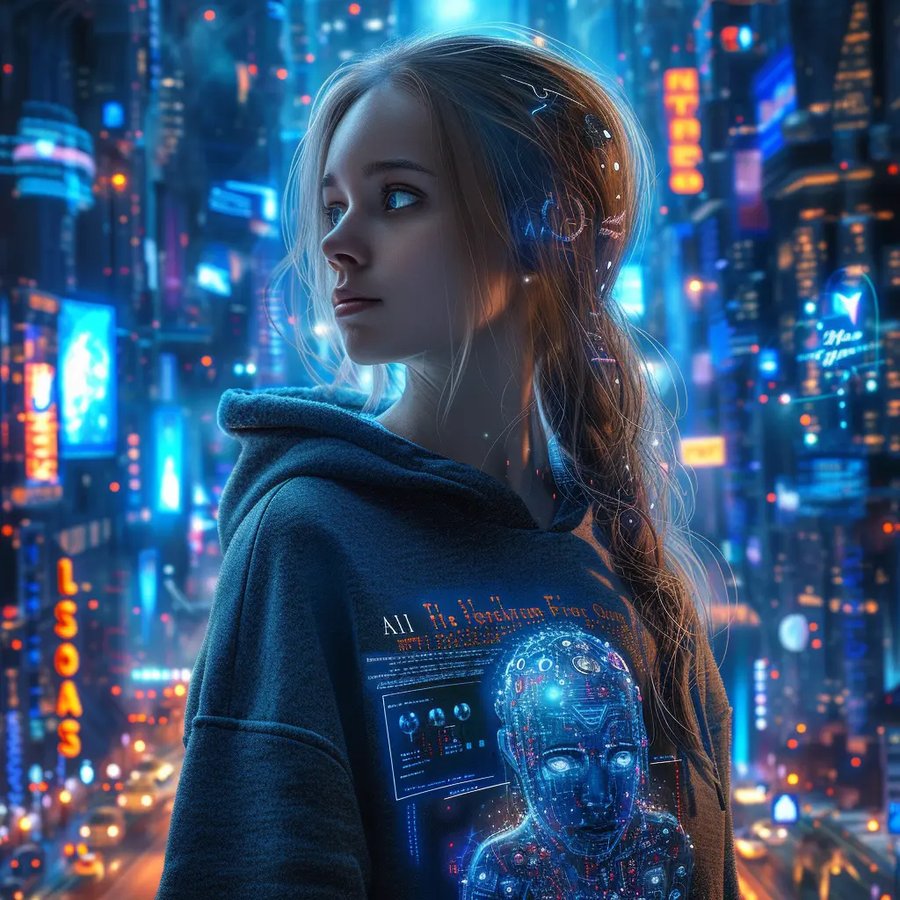
1024×1024 · flux-schnell
Text to Image
Describe a scene, a product shot, or a concept — get a print back in under five seconds.
1 credit / image3 free on signup
Generate images and video with AI, lift subjects off any backdrop, and run the everyday darkroom work — crop, resize, compress, convert, watermark — without leaving the tab.

Type a prompt, drop in a photo, or lift a subject clean off its backdrop — these run on generative AI, priced per credit rather than free.
Describe a scene, a product shot, or a concept — get a print back in under five seconds.
Give a prompt or a still photo motion — a short, share-ready clip generated frame by frame.
 BEFORE
 AFTER
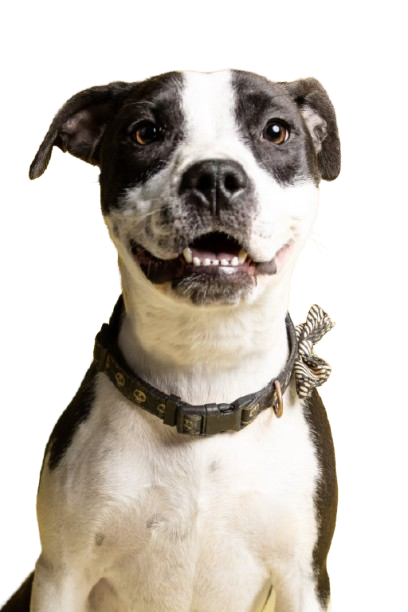
AFTERLift the subject, drop the backdrop — one click, instant transparency, ready for any new scene.
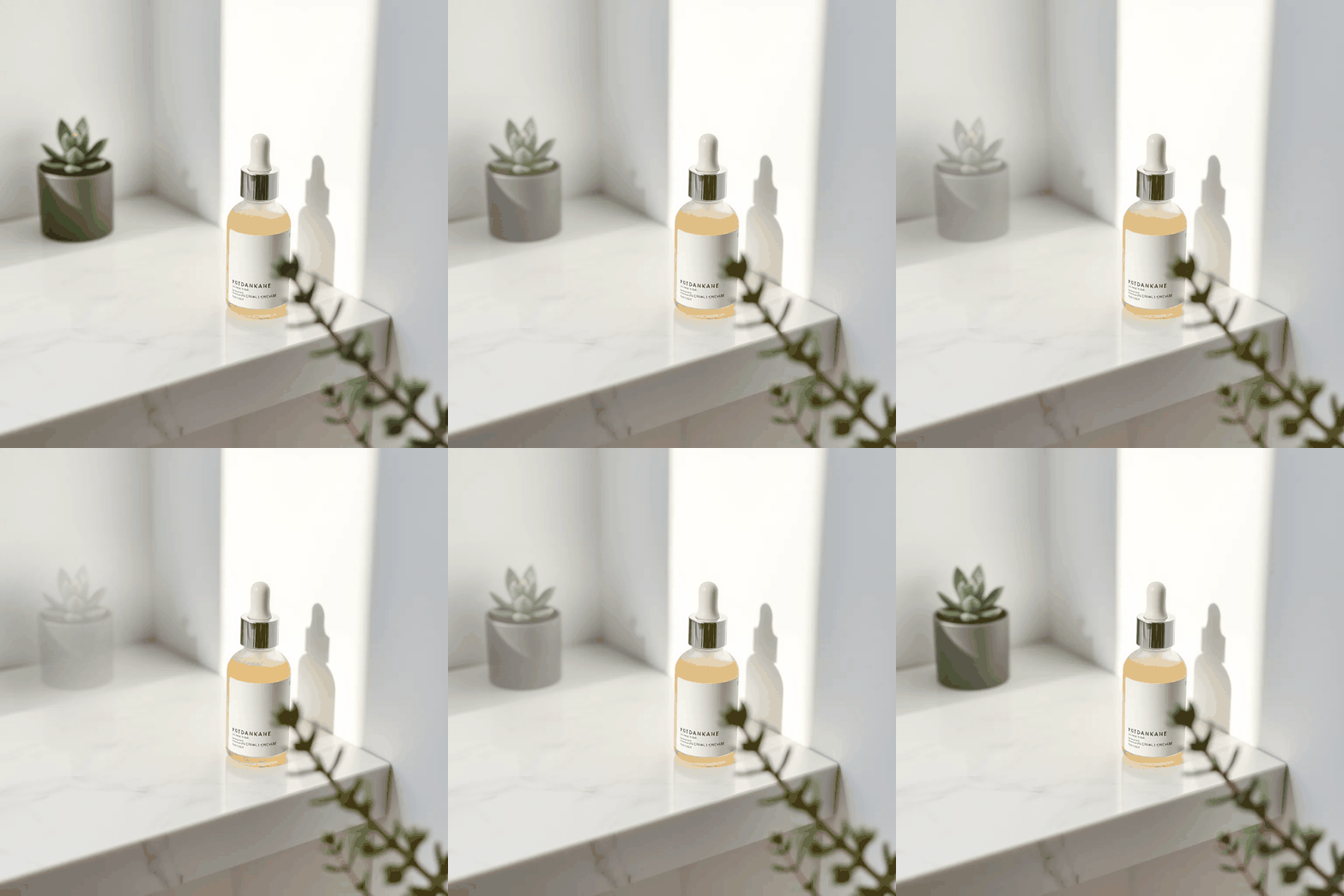
Brush over anything you don't want in the shot — a stray item, a watermark, a photobomber — and let AI paint the background back in.
 BEFORE
 AFTER
AFTERUpload a photo of a person and just describe the outfit — "red t-shirt", "white dhoti" — and AI puts them in it, face and background untouched.
Upload two separate photos — like your grandparents in one and your parents in another — and get back one photo with everyone together.

 BEFORE
 AFTER
AFTERUpload a photo of yourself and pick a style — Pixar 3D, Anime, Comic Book, LEGO, Pixel Art, or Fantasy — and AI redraws you in it.
Nine utilities that stay free and unlimited — no credits spent, no account required for most of them.
1 image = 1 credit · 1 video = 6 credits · background removal is free once, then Pro unlocks 30/month.
Remove image backgrounds instantly using machine learning.
Useful for cleaning up product photos for an online store, creating a professional headshot, or preparing an image for a presentation or design project — no editing software or design skills needed. Read our full background removal guide for tips on getting the cleanest results.
Cropper, Resizer, Compressor, Converter, ID Photo Maker, Watermark, Merge Images to PDF, Favicon Generator and Photo Filters are 100% free, unlimited, no login required. This tool runs AI on a cloud GPU, so we cap it at 3 free removals per month per account.
Log in to use AI Background Remover
Your free removal is tied to your account so it's yours to use whenever you're ready.
Original Image
Result
Paint over anything you want gone — a stray person, a logo, a watermark, a stray object — and AI fills it back in.
Each removal costs 4 generation credits. New accounts start with 3 free credits. Out of credits? .
Tip for the cleanest result: brush a little wider than the object itself — include any shadow or reflection it casts, not just the object's outline. Works best on plain or evenly-lit backgrounds; very shiny or reflective surfaces can be harder for any AI to fill in perfectly.
Log in to remove objects from photos
Your generation credits are tied to your account.
Brush over what you want removed
Result
Removing the object… usually takes a few seconds.
Upload a photo of a person and describe the outfit you want — like "red t-shirt" or "white dhoti" — and AI puts them in it.
Each outfit change costs 4 generation credits. New accounts start with 3 free credits. Out of credits? .
Didn't get the result you wanted? Before trying again, read our outfit changer guide — it covers exactly how to word your description, especially for photos with more than one person.
Log in to change outfits
Your generation credits are tied to your account.
Original photo
Result
Changing the outfit… usually takes a few seconds.
Photo with more than one person? Name each one clearly, e.g. "the man: blue t-shirt and jeans, the woman: yellow chudidar" — results can vary since it's asking the AI for two changes at once.
Upload two separate photos — like your grandparents in one and your parents in another — and get back one photo with everyone together.
Each merge costs 4 generation credits. New accounts start with 3 free credits. Out of credits? .
Didn't get the result you wanted? Before trying again, read our photo merging guide — it covers how to describe the setting so everyone's face, headcount, and lighting come out right.
Log in to merge photos
Your generation credits are tied to your account.
Photo 1
Photo 2
Merging your photos… usually takes a few seconds.
Upload a photo of yourself and pick a style — Pixar 3D, Anime, Comic Book, LEGO, Pixel Art, or Fantasy Painting — and AI redraws you in it.
Each avatar costs 4 generation credits. New accounts start with 3 free credits. Out of credits? .
Log in to create an avatar
Your generation credits are tied to your account.
Original photo
Result
Creating your avatar… usually takes a few seconds.
Reduce image size by percentage quality or set a target file size in KB.
Perfect for shrinking large photos before emailing them, speeding up a slow website, or staying under an upload size limit — without a noticeable drop in visual quality. Read our image compression guide for more on choosing the right quality setting.
Free plan compresses images up to 10MB, unlimited uses, no login required. Need to compress bigger files? Upgrade to Pro for files up to 50MB.
This file is too large for the free plan
Free compression supports files up to 10MB.
Original Image
Compressed Output
Convert images across JPG, PNG, WEBP, PDF, ICO, and BMP formats.
Switch formats depending on what you need next: PNG for transparency, WEBP for a faster-loading website, ICO for a quick favicon, or PDF to send a single image as a document.
Original Image
Converted Output
PDF Generated Successfully
Drag handles to adjust or enter custom dimensions on the right.
Useful for cutting out a specific subject, fixing an awkward composition, or preparing an image for a particular aspect ratio before uploading it elsewhere. See our cropping guide for more tips.
Resize to an exact pixel size, or pick a ready-made preset for Instagram, Facebook, YouTube, X, LinkedIn, WhatsApp, or Pinterest — so your photos display correctly on every platform instead of getting awkwardly cropped or stretched. See our social media image size guide for the full list of dimensions.
Compress, resize, or convert up to 20 images at once, and download them all in a single ZIP.
Batch processing is a Pro feature. Upgrade to run Compress, Resize, or Convert on multiple images at once instead of one at a time.
Leave one blank to scale that dimension proportionally. Applies the same size to every image in this batch.
Converting several images into one merged PDF? Use instead.
Crop your photo to an exact passport/visa/ID size — everything runs in your browser.
A fast, free alternative to a studio visit — pick a standard size, align your photo to the guidelines, and optionally generate a 4×6" print sheet with six copies to take to any photo lab.
Drag the crop box handles on the left to frame the face, then generate.
Stamp text onto your image — processed entirely in your browser, nothing uploaded.
Protect your work or brand your photos before sharing them online. Choose the text, position, opacity, color, and whether it tiles across the whole image.
Upload several images, reorder them, and combine them into a single multi-page PDF. (Converting just one image to PDF? Use the Converter tool instead.)
Handy for submitting scanned documents, compiling a photo set for printing, or sending several images as one file instead of many separate attachments.
Upload a logo or image and get a full favicon pack — .ico, every standard PNG size, and a manifest.
A favicon is the small icon shown in browser tabs, bookmarks, and phone home screens — a site without one can look unfinished, and getting every required size right by hand is tedious. This tool handles it in one step. Read our favicon guide to learn why it matters.
favicon.ico (16/32/48px)
PNG sizes: 16, 32, 48, 64, 180, 192, 512px
site.webmanifest + HTML snippet
Paste this into your <head>:
<link rel="icon" type="image/x-icon" href="/favicon.ico">
<link rel="icon" type="image/png" sizes="16x16" href="/favicon-16x16.png">
<link rel="icon" type="image/png" sizes="32x32" href="/favicon-32x32.png">
<link rel="apple-touch-icon" sizes="180x180" href="/apple-touch-icon.png">
<link rel="manifest" href="/site.webmanifest">
Apply vintage, sepia, and faded-film looks — processed entirely in your browser, nothing uploaded.
Pick a preset, then fine-tune the strength, film grain, and vignette to taste.
Describe an image in words and generate it with AI.
Each image costs 1 generation credit. New accounts start with 3 free credits. Out of credits? .
Log in to generate images
Your generation credits are tied to your account.
Generating your image… usually takes a few seconds.
Generate a short video from a text description, or attach a photo to animate it into a video.
Each video costs 6 generation credits and can take a minute or two to render. Out of credits? .
Log in to generate videos
Your generation credits are tied to your account.
Generating your video… this can take a minute or two.
The everyday editing tools run entirely in your browser and never cost you a credit. Everything AI-powered — background removal, removing objects, changing outfits, merging photos, creating avatars, and generating new images or video — draws on one account below.
Background removal
Loading usage…
Generation credits
For Text to Image, Text/Image to Video, Remove Object, Outfit Changer, Merge Photos & Avatar Maker — 1 image = 1 credit, 1 video = 6 credits, the rest = 4 credits each.
Balance: – credits ·
Two meters, one account: your plan below covers background removal (it resets every month), while generation credits are bought as you need them since a video costs a lot more compute than a quick background removal.
₹0/mo
₹420/mo
Estimated in your local currency — you're billed in Indian Rupees (₹); your bank may add its own conversion fee.
No auto-renewal — pay once, renew whenever you like
Whichever plan you're on above, generating brand-new images or video, removing objects, changing outfits, merging photos, and creating avatars all run on this same credit balance — buy a pack any time, no subscription needed.
Prices below are estimated in your local currency — you're billed in Indian Rupees (₹); your bank may add its own conversion fee.
20
credits
₹199
60
credits
₹499
150
credits
₹999
Last updated:
GetImageStudio ("we", "us", "our") provides AI-powered image editing tools, including background removal, compression, resizing, cropping, and format conversion. This policy explains what information we collect, how we use it, and the choices you have.
Uploaded images are processed to generate your result and are not intentionally retained longer than necessary to complete that processing. We do not sell or share your images with third parties.
We use the following third parties to operate GetImageStudio, each of which processes limited data on our behalf under their own privacy policies:
We may update this policy from time to time. Material changes will be reflected by updating the "Last updated" date above.
Questions about this policy or your data? .
This policy is a general-purpose template describing GetImageStudio's actual data practices. It is not a substitute for legal advice — consider having it reviewed by a lawyer before relying on it for compliance purposes.
Last updated:
These terms govern your use of GetImageStudio. By using the site, you agree to them.
GetImageStudio provides browser-based image editing tools: crop, resize, compress, format conversion, and AI-powered background removal. A Free plan and a paid Pro plan are available.
Payments for Pro plans are generally non-refundable once processed, except where required by applicable law or at our discretion in cases of a demonstrable service failure. To request a refund, with your payment details.
You retain all rights to images you upload. You are responsible for ensuring you have the right to upload and process any image you submit — do not upload content that infringes someone else's copyright or rights, or that is illegal to possess or distribute.
You agree not to use GetImageStudio to process illegal content, to attempt to disrupt or reverse-engineer the service, or to circumvent usage limits through automated or abusive means.
GetImageStudio is provided "as is." AI-based results (such as background removal) may not always be perfect. To the maximum extent permitted by law, we are not liable for indirect, incidental, or consequential damages arising from your use of the service, and our total liability for any claim is limited to the amount you paid us in the preceding 3 months.
We may update these terms from time to time. Continued use of GetImageStudio after changes take effect constitutes acceptance of the updated terms.
Questions about these terms? .
This is a general-purpose template reflecting GetImageStudio's actual plans and payment behavior. It is not a substitute for legal advice — consider having it reviewed by a lawyer, especially the refund and liability sections, before relying on it for a live business.
Questions about your account, billing, or a bug you've run into? We'd like to hear from you.
Email SupportWe typically respond within 1-2 business days.
Sign in or create an account to unlock higher limits
Sign in with one tap — no password to remember:
You've used your 3 free background removals this month. Upgrade to Pro for up to 30/month.
Cropper, Resizer, Compressor, Converter, ID Photo Maker, Watermark, Merge to PDF, Favicon Generator & Photo Filters stay free — no limit, no login.
AI Pro unlocks unlimited background removals, priority processing, and higher-res exports.
Credit used